
App Bar — PAM Native UI
PAM Native UI · Android evidence
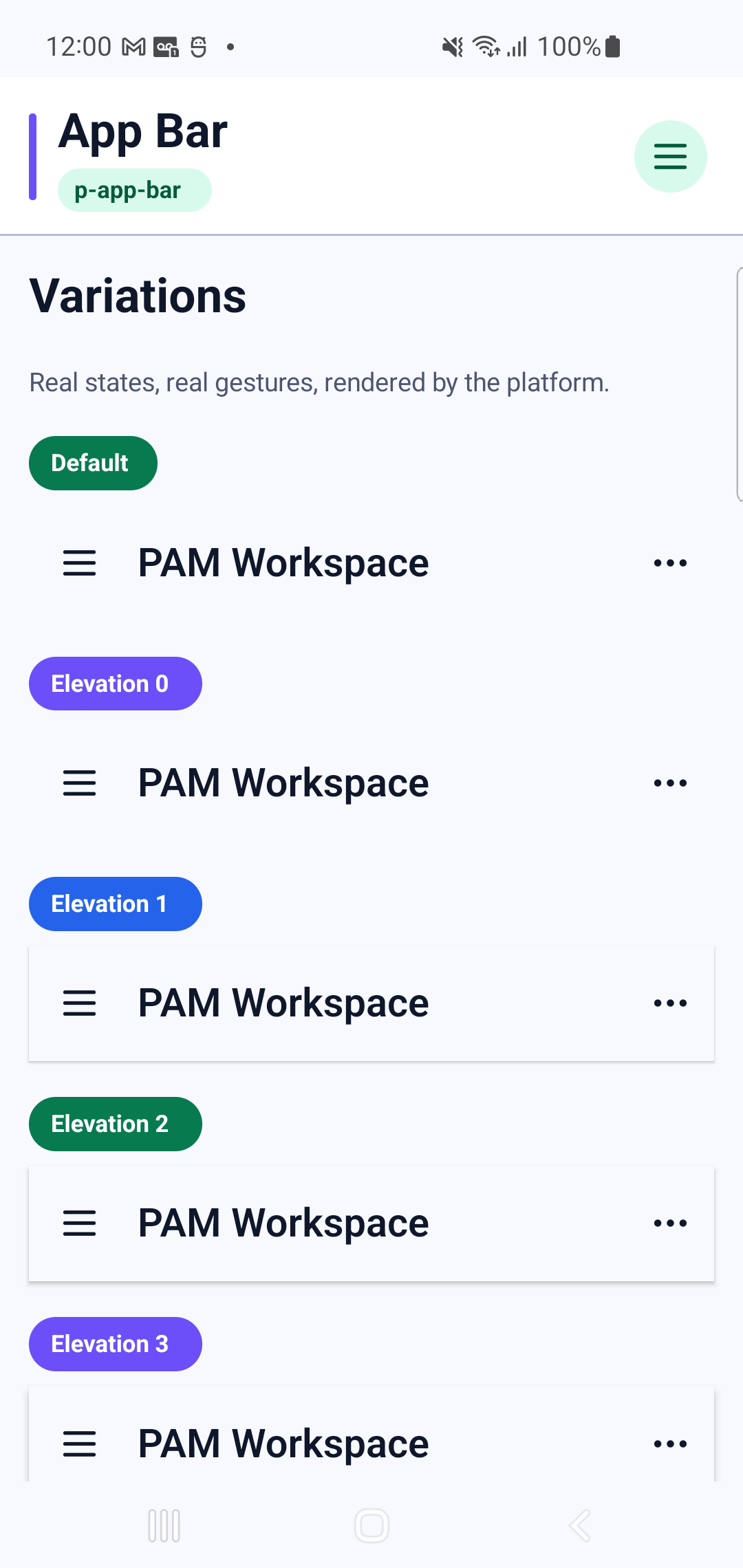
p-app-bar rendered by the production retained-native pipeline. The specimen below is a real Physical Samsung SM-G973F Android 12 (API 31) capture at 420 dpi, not an HTML recreation.
Physical Samsung layout, route and native interaction verified
- Family
- Navigation and progress
- Module
app-bar- PHP facade
PAppBar- Native targets
- Android · UIKit
Navigation and progress component rendered through the retained-native Android and UIKit pipeline.
Android specimen
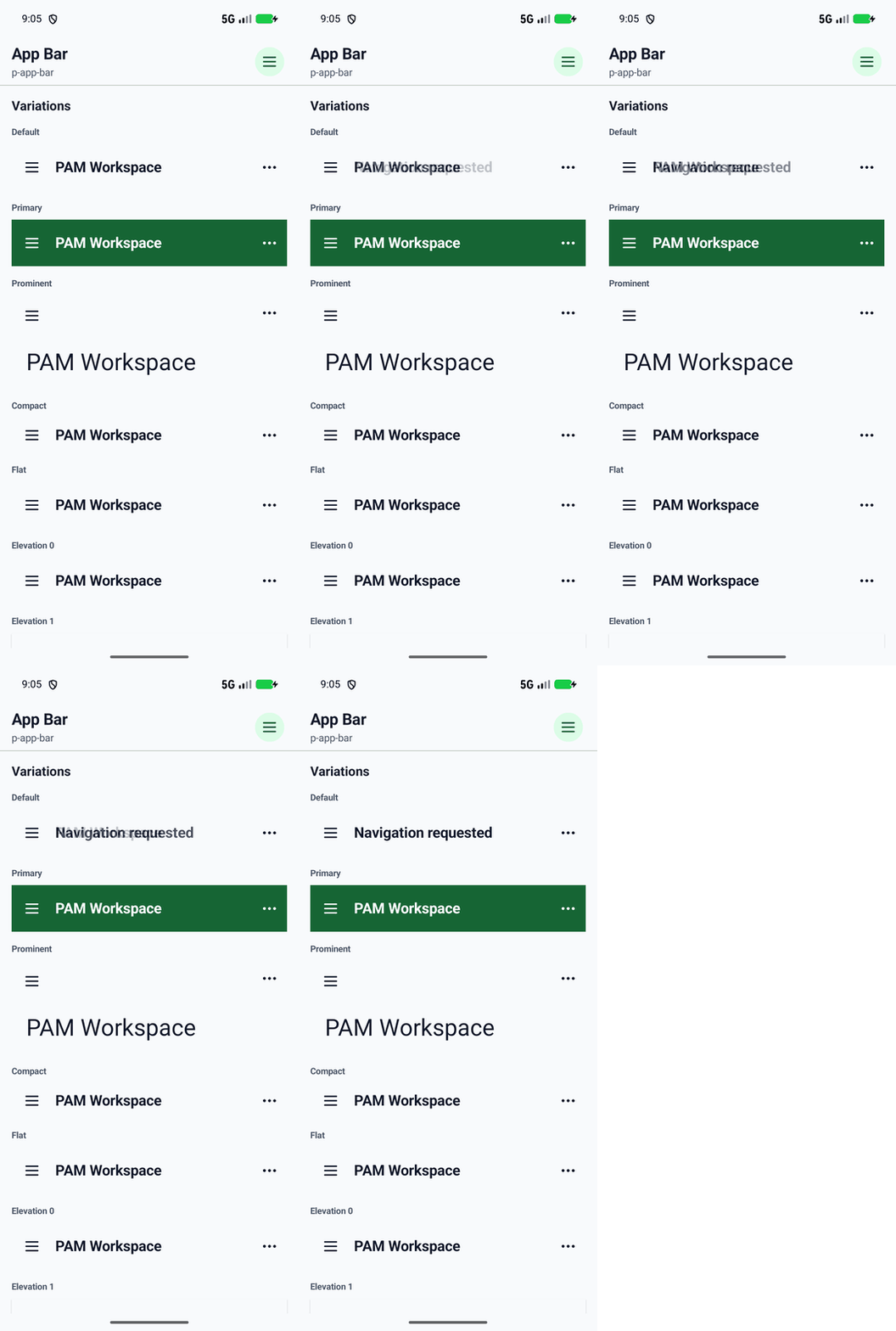
Interaction recording
The touch trace was captured from the Android application while exercising the native component.
Showcase profiles
Every profile below is rendered by the Android catalog route shown above.
- Default
- Elevation 0
- Elevation 1
- Elevation 2
- Elevation 3
- Elevation 4
- Elevation 5
- Prominent
- Compact
- Primary
- Flat
PHP usage
use Pam\MobileUi\Material\PAppBar;
use Pam\Native\UI\Text;

PAppBar::make(
    [
        'accessibilityLabel' => "PAppBar preview",
        'color' => "primary",
        'density' => "compact",
    ],
    Text::make('App Bar'),
);
The equivalent PAM template entry point is <p-app-bar>…</p-app-bar>.
See the PAM Native UI guide for event, state and styling conventions, and the quality contractfor native behavior requirements.
Component properties
| Property | Observed type | Showcase values |
|---|---|---|
accessibilityLabel | string | "PAppBar preview" |
color | string | "primary" |
density | string | "compact" |
elevation | int | 0, 1, 2, 3, 4, 5 |
flat | bool | true |
prominent | bool | true |